Can Focara read handwriting?
Often, yes. Snap a photo of a handwritten recipe and Focara reads what it can into ingredients and steps. Neat, print-style handwriting reads best, and cursive or faded cards may need more fixing by hand before you save.
Focara Kitchen scans recipe cards, cookbook pages, and handwritten notes from a photo and reads them into ingredients and steps, so the recipes in the old tin become ones you can scale, search, and share.


Free on the App Store and Google Play.
Last updated
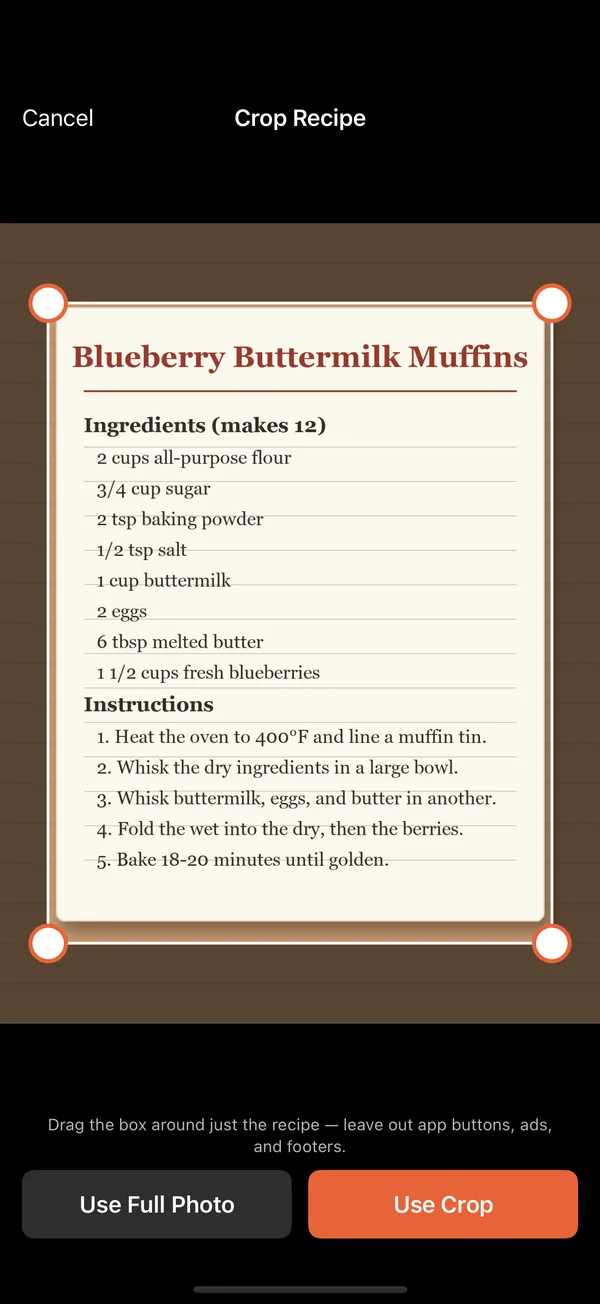
Often, yes. Snap a photo of a handwritten recipe and Focara reads what it can into ingredients and steps. Neat, print-style handwriting reads best, and cursive or faded cards may need more fixing by hand before you save.
No. Focara reads the text right on your phone, and the recipe is saved in your recipe box on your device.
Yes. Cookbook pages, printed recipe cards, and handwritten notes all go through the same scan. For a recipe that runs over two pages, photograph each page, then choose them together from your library and Focara reads them in order as one recipe.
Yes. Share sends the whole recipe as text anyone can read. With a free Focara account, you can send a link to a clean web page of the recipe instead, with the ingredients and steps ready to cook from. They don't need the app.
Or start from the Focara Kitchen homepage, read the frequently asked questions, or take the step-by-step tutorial.
Focara Kitchen is a free recipe box for iPhone and Android.
Free on the App Store and Google Play.